 ThingzSafe
Web portal · Household / Pro
Web valuation, labels and printing
Review values and print reports or labels.
Where to start
Web portal: Inventory valuation
Web portal: Barcode labels
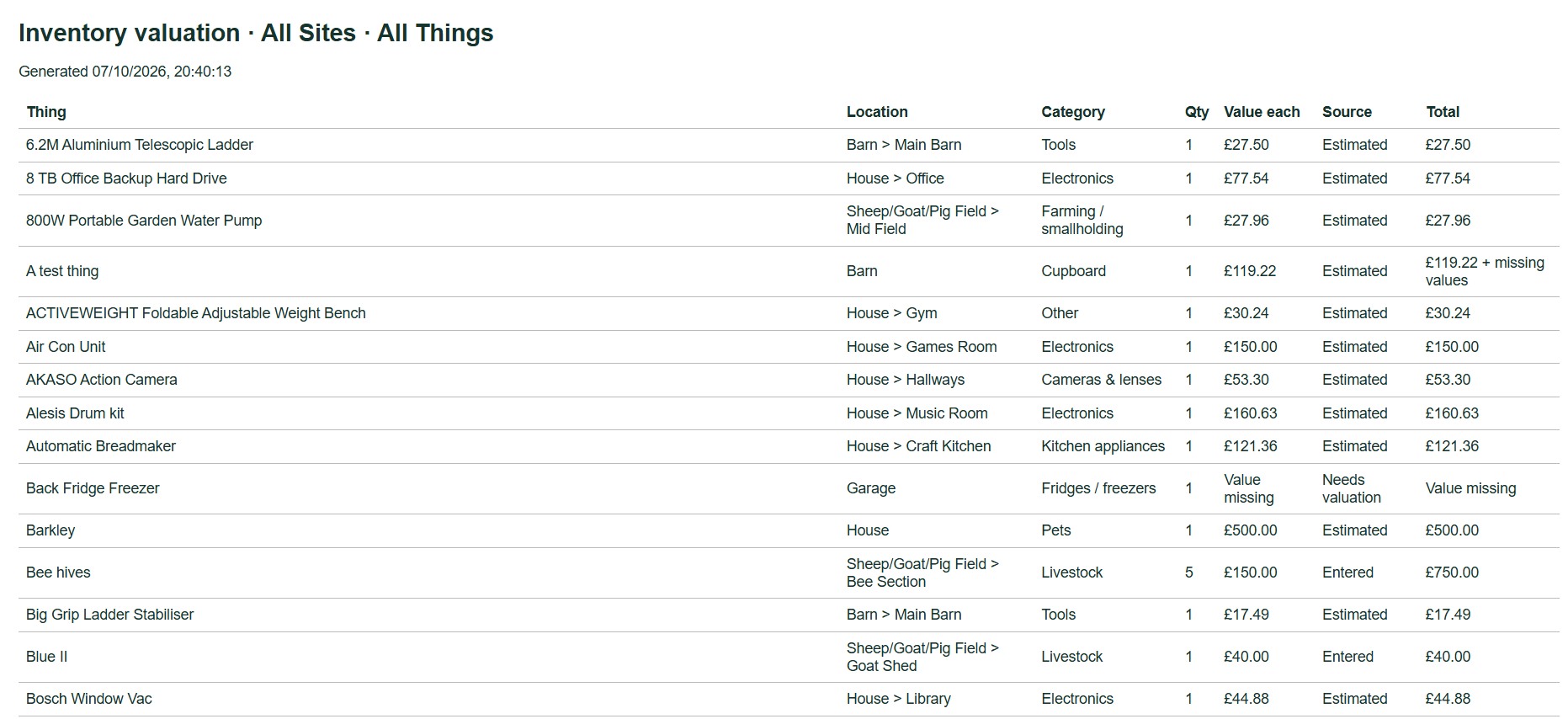
Inventory valuation
- Choose Inventory valuation in the menu.
- Choose the scope and any filters.
- Choose View or print report.
Good to know: Values you enter beat estimates. Missing values are shown. Totals count quantities and any Contents that qualify, but not Parts. See Inventory valuation.
Print barcode labels
- Choose Barcode labels in the menu, or use Print labels on a Thing.
- Tick the items to print. Select all and Deselect all sit above the tick boxes.
- Choose the paper template and the first unused row and column.
- Choose Preview / print labels.
- Print at actual size on the matching paper. Try plain paper first.
Good to know: See Print barcode labels for more on labels.
Need more help or have a suggestion? Contact us.