 ThingzSafe
Web portal · Household / Pro
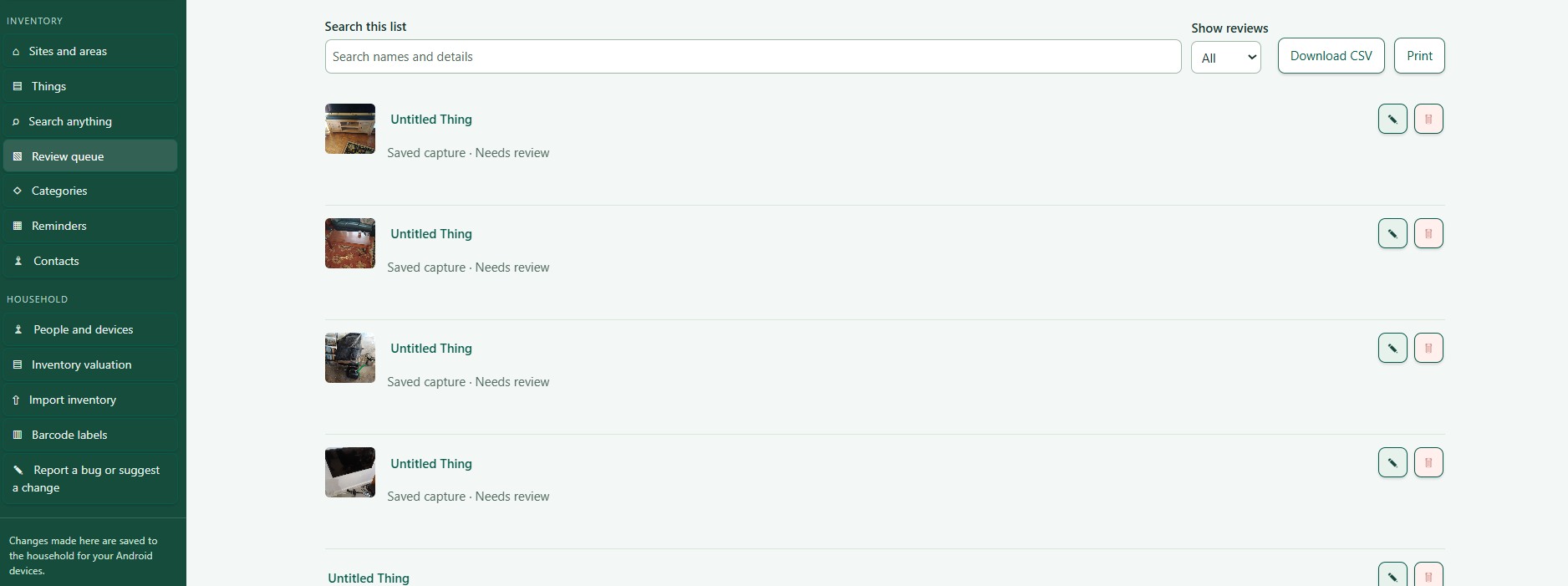
Review queue on the web
Turn unfinished captures into useful inventory records.
Where to start
Web portal: Review queue
Review saved work
- Open Review queue.
- Select the records you want to check.
- Choose Edit to finish a capture or correct a Thing.
- Choose Delete only if you want to remove it for good.
Good to know: Sites and Areas have Edit and Delete buttons too. Check the row before you confirm a deletion.
Need more help or have a suggestion? Contact us.