 ThingzSafe
Android
Settings, reminders and app lock
Adjust app preferences to suit the way you work.
Where to start
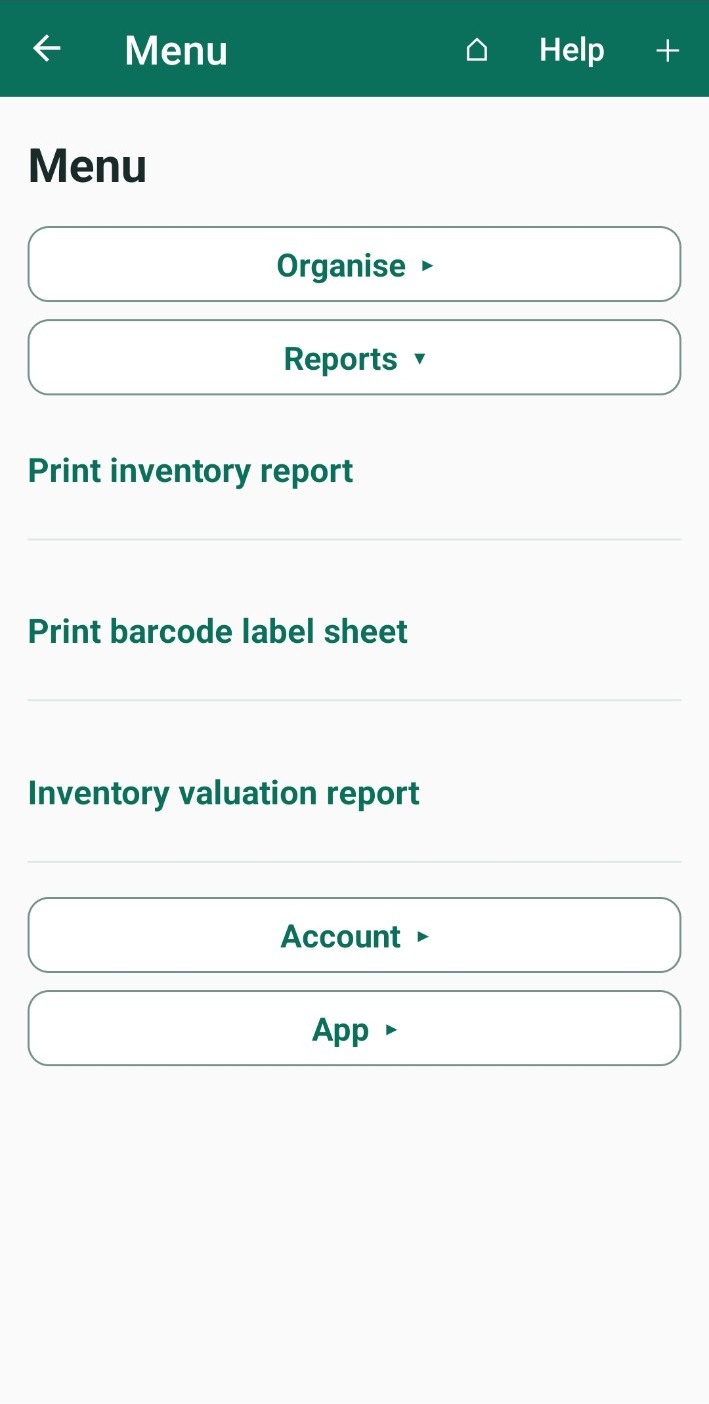
Android: Home Menu App App settings
Open the settings
- On Home, tap Menu.
- Open App, then tap App settings.
Your name
Type your first name and tap Save first name. ThingzSafe uses it for greetings and to record who made each change.
Reminder days
Enter how many days ahead you want to be reminded of events, from 0 to 365, and tap Save reminder days. Overdue events are always included.
Lock the app
Turn on Require fingerprint/face or device passcode to ask for your phone's unlock each time the app opens. Android asks you to unlock first. It needs a screen lock set up on your phone. Your inventory is encrypted whether or not the lock is on.
Other settings
- Language: choose the language for the app. Your own entries stay as you typed them.
- Add suggested sites and areas: puts back the starter examples. Only shown if some are missing.
- New for old valuation: uses the purchase price as the estimate when you have not entered a current value. See Inventory valuation.
- Send back error reports: saves a report on the phone if the app has a problem. You choose when to send it.
- Shortcuts to Manage sites and areas, Manage categories, Manage contacts, Print barcode label sheet, Backup, restore and export, and Household cloud and sync.
Good to know
Only first name and reminder days need their Save buttons. Other switches save as soon as you change them.
Need more help or have a suggestion? Contact us.