 ThingzSafe
Android
Find a Thing
Find an item without remembering where you put it.
Where to start
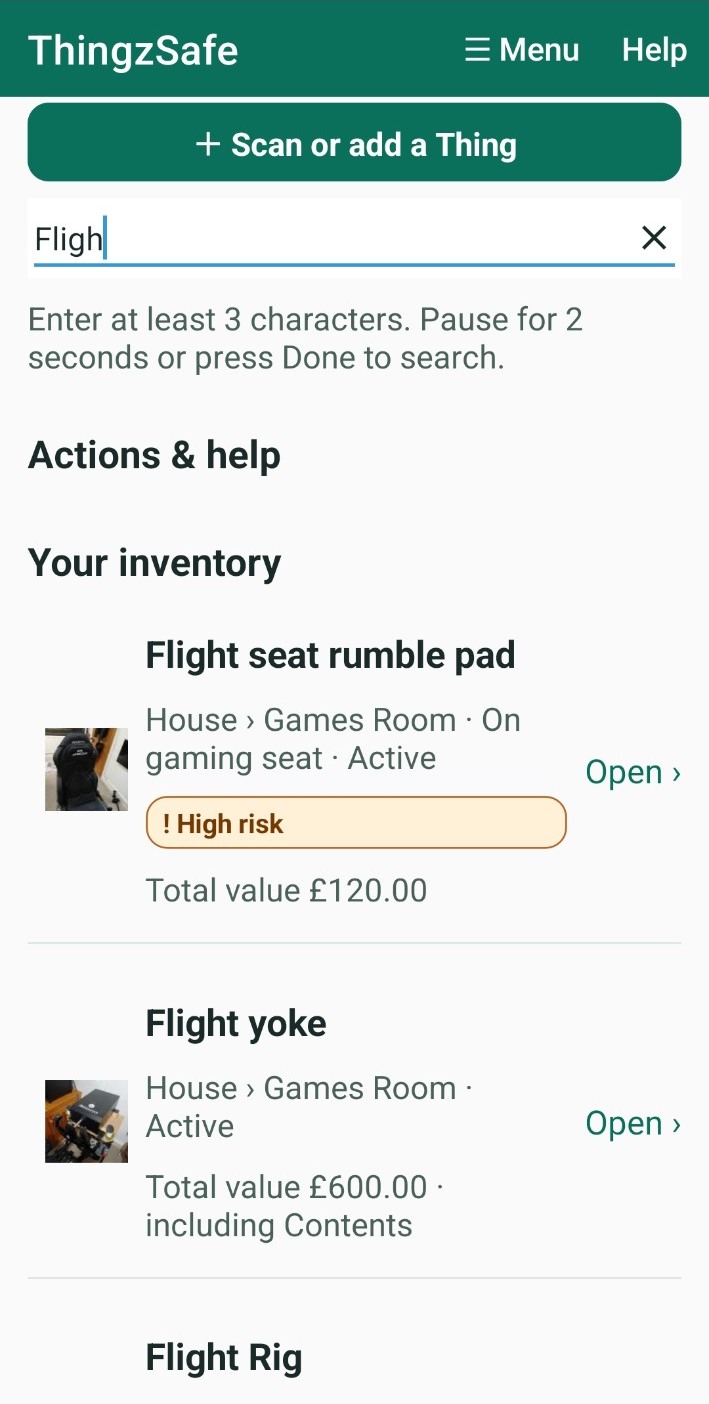
Android: Home Search inventory, actions and help
For more options, tap More search filters.
Search your inventory
- On Home, tap the search box.
- Type at least 3 characters.
- Wait 2 seconds, or tap Done.
- Tap a result to open it. Results show matching Things and where they are.
To go back to your Sites, clear the search box.
Good to know: Search also finds app actions and help topics, not only your Things.
Narrow your results
Tap More search filters to narrow your results. You can:
- Choose a Site or a Category.
- Tick High risk only.
- Choose a Status. It starts as Owned, which shows Active and On loan Things and hides Sold and Disposed ones. Choose All to see every status.
- Tick Include Event text to search the notes in your event history too.
Good to know: You can print the results. The printout uses the same filters.
Need more help or have a suggestion? Contact us.